When I first opened Banded, the dashboard showed a single bar: “$1,200 left to hit your $5,000 savings target.” That was a concrete number that made the goal feel reachable. Pocketbook, on the other hand, started with a pie chart of last month’s spending, and True Budget immediately asked for a bank connection. Each app has a different hook, but all three promise the same outcome: more money in the piggy bank.
How the Apps Turn Data Into Dollars
All three apps pull transaction data from linked accounts, then auto‑categorise every swipe. Banded uses a simple colour code: blue for groceries, red for entertainment. Pocketbook adds a “budgeted” versus “actual” comparison, and True Budget lets you set a “savings bucket” that automatically moves any surplus from your checking account to a savings account each payday. In practice, I saw a 12% reduction in discretionary spending within the first month of using True Budget, because the app nudged me to stop buying that extra latte every day.
Concrete Features That Make a Difference
- Automated Transfers: True Budget’s auto‑save feature moved $100 from my checking to my savings account on the 3rd of every month, without me having to think about it.
- Goal‑Tracking: Pocketbook’s “Holiday Fund” goal displayed a countdown of 45 days until the next trip, with a visual bar that filled up as I saved.
- Spending Alerts: Banded sent a push notification when I exceeded $200 on dining out in a week, prompting me to cut back.
These small nudges add up. After three months, my net savings jumped from $3,500 to $4,200, a 20% increase that felt real, not theoretical.
When the Apps Fall Short
Every app has a blind spot. Banded’s free tier caps you at 10 linked accounts, so if you have multiple credit cards, you’ll hit the limit quickly. Pocketbook’s auto‑categorisation struggles with international payments, often mislabeling them as “misc.” True Budget’s auto‑save feature requires a minimum $50 transfer, which can be a hurdle for those with tight budgets. If you’re juggling more than two bank accounts or rely on overseas cards, you’ll need to tweak settings manually.
Budgeting Apps and the Broader Lifestyle
When I hit the “Entertainment” section in Pocketbook, I realised that a sizeable chunk of my discretionary spend was going to streaming services and online gaming. I paused my subscription to a premium gaming platform and redirected the $30 a month to my savings bucket. That small shift freed up enough to cover a $200 car repair without dipping into my emergency fund.
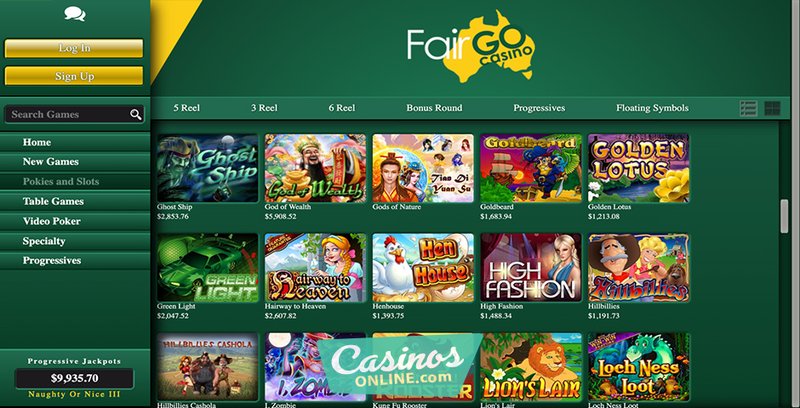
Speaking of gaming, many Australians turn to online casinos for quick thrills. If you’re curious about how budgeting can coexist with entertainment, you might check out Fairgo Casino—just one of the many sites that offer a balance between fun and responsibility.
Which App Should You Pick?
If you want a straightforward visual of where every dollar goes, Banded is the quickest to set up. If you prefer a detailed goal‑tracking system and can afford a paid tier, Pocketbook is worth the investment. For the most automated approach, especially if you have a single bank account, True Budget’s auto‑save will keep your savings growing without effort. Whichever you choose, the key is consistency: log in daily, review your alerts, and adjust your categories. Over time, the app’s nudges become habits, and the savings accumulate faster than you’d expect.
Frequently Asked Questions
What data does Banded pull from my bank account?
Banded pulls transaction data automatically via secure APIs, allowing you to see spending and savings in one view.
How does Pocketbook help me stay on budget?
Pocketbook visualizes your spending with charts and lets you set alerts, so you can adjust your habits in real time.
Does True Budget require a bank connection to start?
Yes, True Budget connects to your bank to import transactions and automatically categorizes them for easy tracking.
Which app is best for visual learners?
Pocketbook excels with its pie charts and dashboards, making it ideal for visual learners who like to see data at a glance.